Screenshots
A look inside the app — reading, the lexicon, building decks from a passage, and study.
Reading
Start on the home screen and open the Greek New Testament, verse by verse.
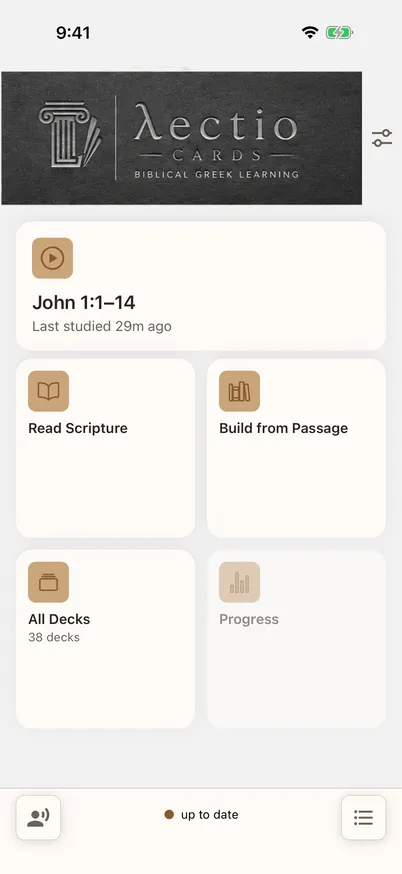
Home — everything one tap away 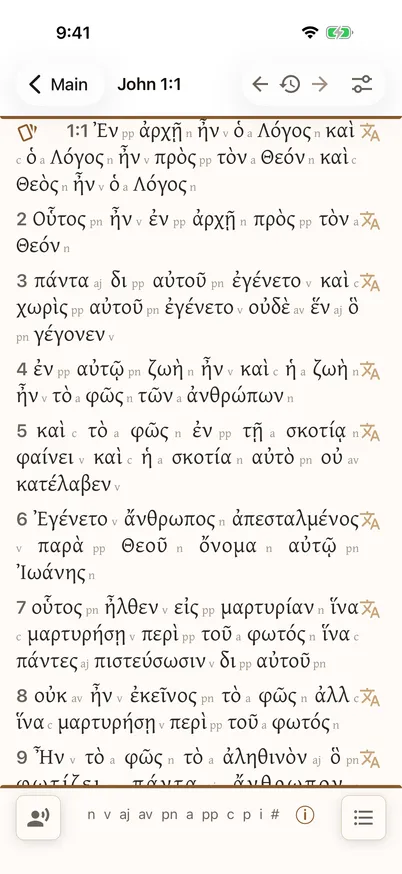
The reader — the Greek New Testament, verse by verse
The lexicon
Tap any word for its grammar and gloss. Where a word has been studied more deeply, you also get its historical senses — with the Greek examples and Scripture references tappable in place.
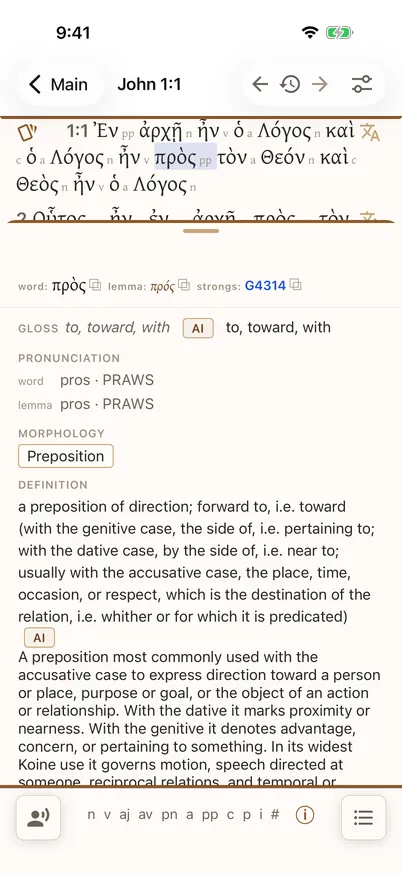
Tap any word for its grammar and meaning 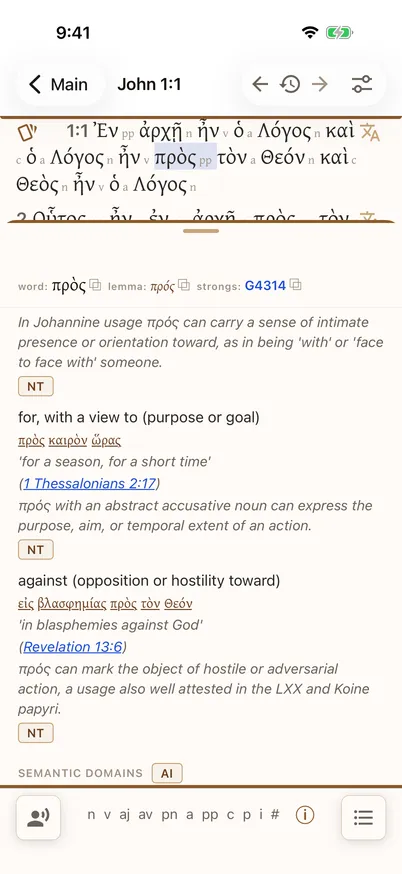
Historical senses, drawn from attested Koine usage 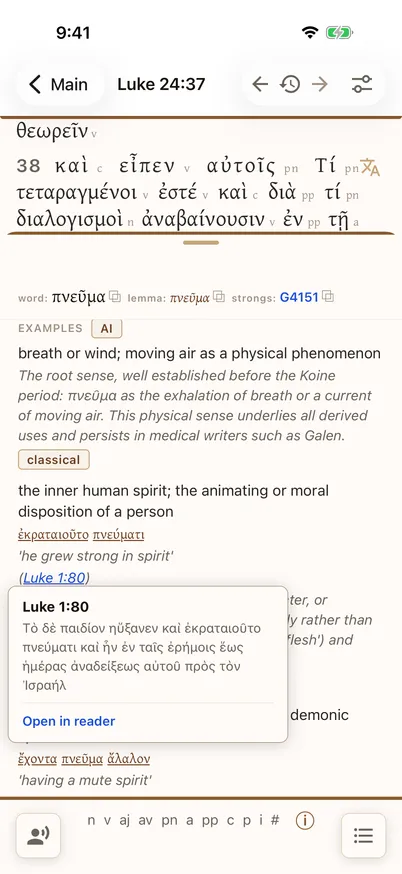
Tap a reference to preview the verse in place 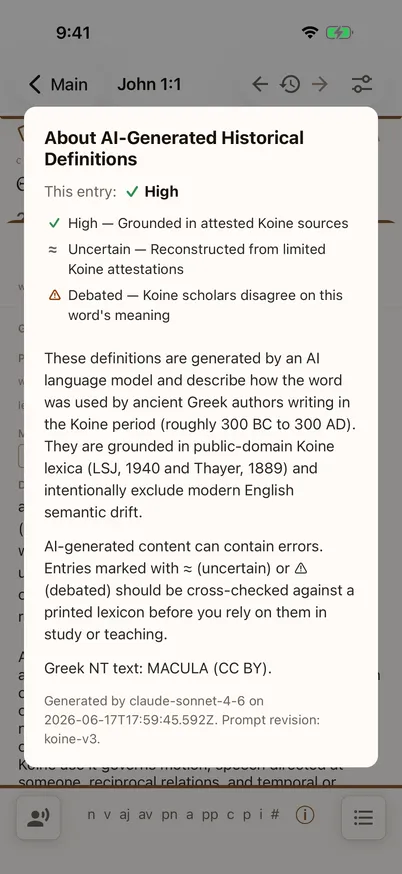
Honest about what the AI wrote — and what it rests on
Build a deck from any passage
Pick a book, a chapter, and a verse range. Lectio Cards turns the passage into a study deck of the words you just read.
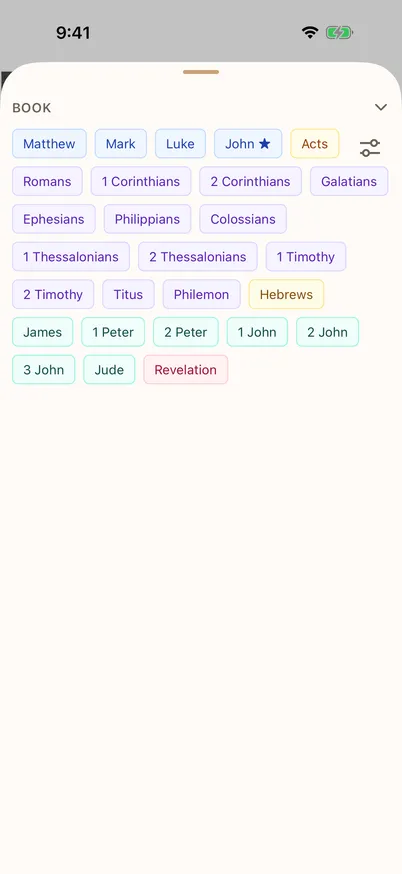
Choose any book of the New Testament 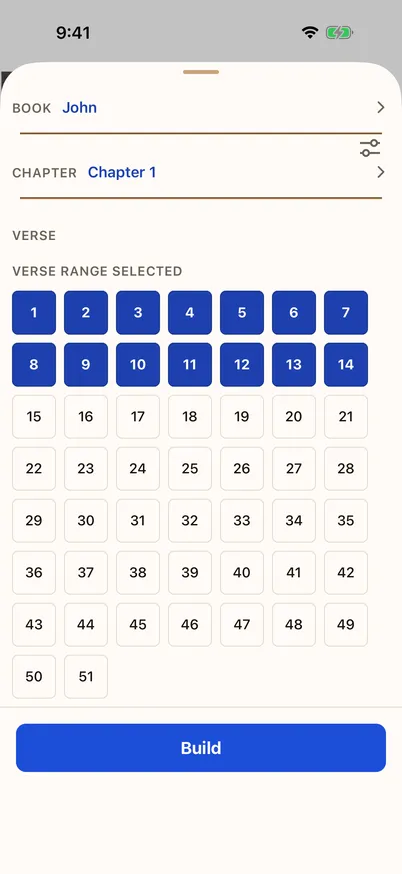
Select a verse range 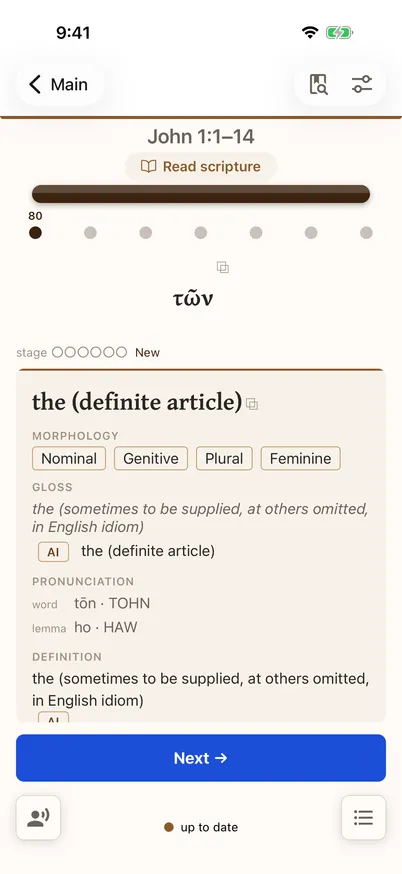
Study the words from the passage you chose
Study
A few words a day, spaced over time — resurfaced just before you would forget them.
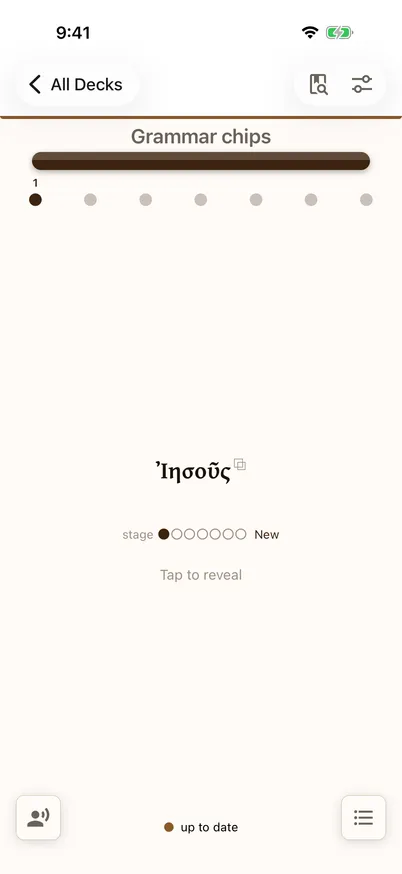
The front of a card 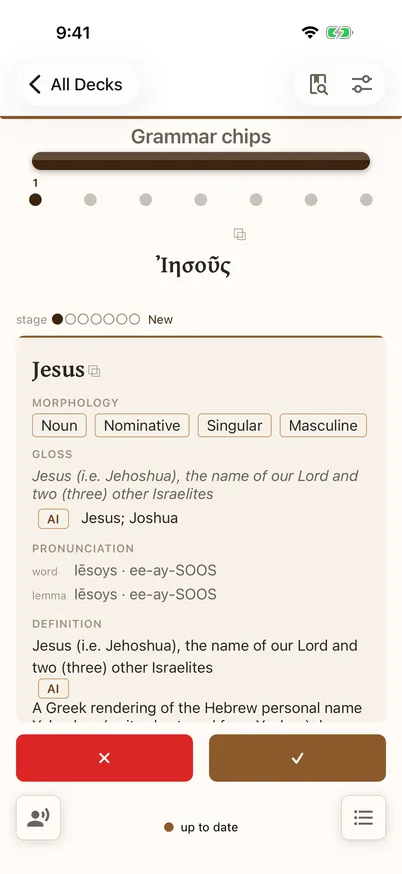
The card revealed